AI can analyze logs and find bugs in minutes like a senior engineer. But in edge cases and race conditions, it might confidently give you the wrong answer. Here is when to trust it and when to think twice.
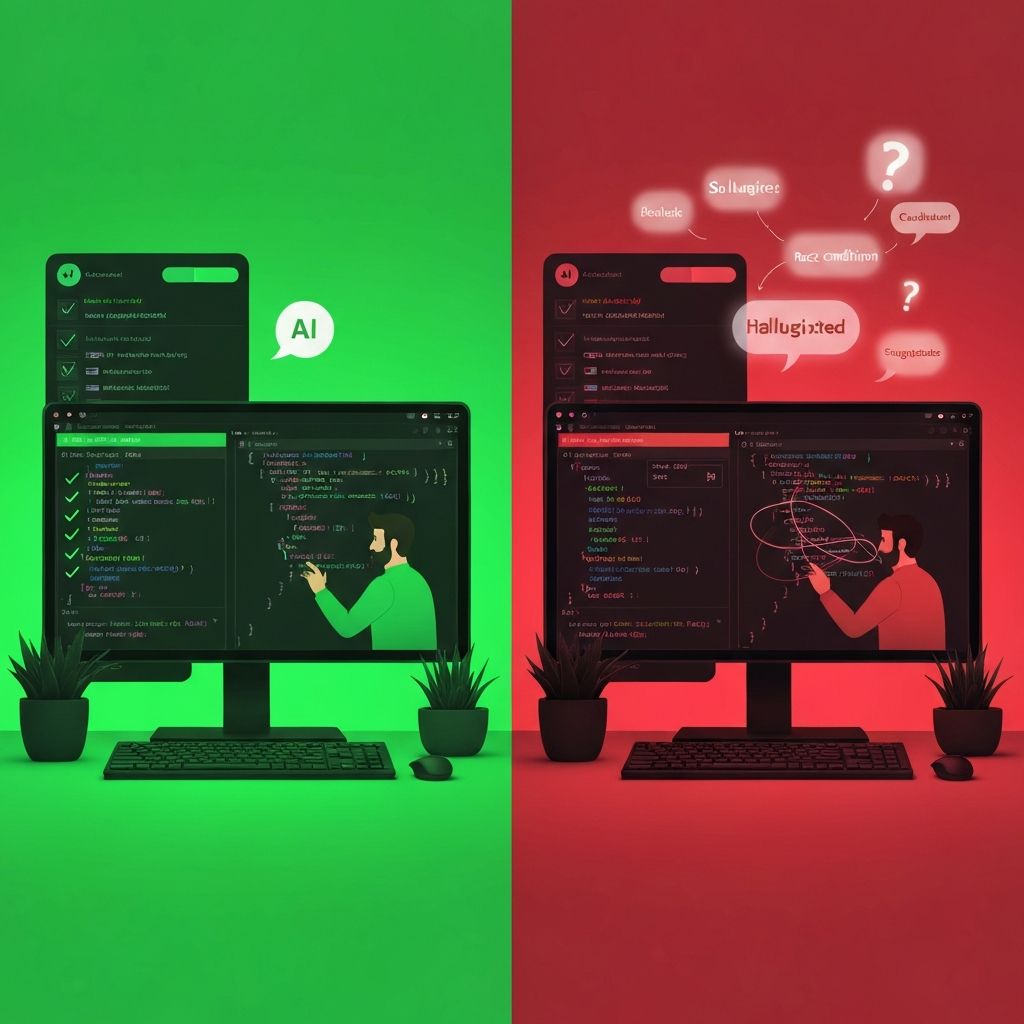
Last week, I watched AI find a production bug in under three minutes. The same week, I watched it confidently lead a developer down the wrong path for two hours.
This is the reality of using AI for debugging in 2026. It is neither magic nor useless. It is a powerful tool with very specific strengths and very real blind spots.
Understanding when AI excels at debugging and when it fails is now a core skill for any developer who wants to move fast without breaking things.
Where AI Shines: The Best Case Scenarios
Log Analysis and Pattern Recognition
This is where AI truly acts like a senior engineer looking over your shoulder. Give it a stack trace, error logs, or a sequence of events, and it can often identify the root cause faster than most humans.
Why? Because AI has seen millions of similar patterns. It recognizes:
Common error signatures and their typical causes
Dependency version conflicts
Configuration mismatches
Standard library gotchas
Framework-specific pitfalls
Example: You paste a 200-line error log from a failed deployment. Within seconds, AI identifies that the error on line 147 is caused by a missing environment variable that was referenced in a config file loaded on line 23. A human might take 20 minutes to trace that connection.
Repetitive and Common Bugs
If the bug has happened before to someone, somewhere, AI probably knows about it. This includes:
Null pointer exceptions: AI can quickly trace back to where the null originated
Type mismatches: Especially in JavaScript/TypeScript where coercion causes unexpected behavior
Syntax errors: Even subtle ones like missing semicolons in specific contexts
API response handling: Forgetting to check for error responses, not handling empty arrays
Dependency Debugging
When your build fails because of a package conflict, AI is excellent at:
Identifying which packages have conflicting peer dependencies
Suggesting compatible version combinations
Explaining why a particular upgrade broke something
Finding alternative packages when one is causing issues
Frontend/Backend Communication Issues
CORS errors, authentication failures, malformed requests - AI handles these well because they follow predictable patterns:
"Your CORS error is because the backend is not including the correct origin in Access-Control-Allow-Origin"
"The 401 is happening because your token is being sent in the wrong header format"
"The request body is being stringified twice, which is why the backend cannot parse it"
Where AI Fails: The Worst Case Scenarios
Edge Cases and Business Logic
Here is a truth that took me a while to accept: AI does not understand your business.
When a bug exists because of a specific combination of user actions that only happens when:
The user is on a trial plan AND
They created their account before the migration AND
They have exactly 3 team members AND
One of those team members has a specific permission set
AI cannot debug this. It does not have the context. It does not know your user states, your migration history, or your permission model.
Race Conditions and Timing Issues
Race conditions are debugging nightmares, and AI makes them worse, not better.
Why? Because AI cannot reproduce timing. It can only reason about code statically. When you describe a race condition to AI, it might:
Suggest adding arbitrary delays (which masks the problem, does not fix it)
Recommend mutex locks that create deadlocks
Miss the actual race because it cannot see the execution order
Confidently explain a race condition that does not actually exist in your code
I have seen AI create elaborate explanations of non-existent race conditions while missing the actual one that was two lines away.
Production Environment Specifics
Your staging works fine. Production is broken. AI cannot help much here because it cannot see:
Actual production traffic patterns
Real user data characteristics
Infrastructure differences (memory, CPU, network)
Third-party service behaviours
Caching states
When you tell AI "it works locally but fails in production," you often get generic advice that does not address your specific environment.
Distributed System Debugging
When a bug spans multiple services, databases, queues, and caches, AI struggles to:
Understand the full request flow
Account for network latency and partial failures
Consider eventual consistency issues
Track state across service boundaries
The Hallucination Problem
This is the most dangerous failure mode: when AI does not say "I do not know."
What Hallucination Looks Like in Debugging
AI hallucination in debugging is not random nonsense. It is worse. It is plausible-sounding explanations that are completely wrong.
Example of a hallucinated debug response:
"The issue is in your useEffect hook. The dependency array is missing the userId variable, which causes stale closure. When the component re-renders, it is using the old value of userId, which is why you are seeing the wrong data."
This sounds expert. It uses correct terminology. It describes a real pattern.
But what if your useEffect actually has the correct dependencies, and the bug is actually in how the API caches responses? AI just sent you down a rabbit hole.
Why This Happens
AI models are trained to be helpful and confident. They are not trained to say "I need more information" or "I am not sure about this."
When debugging, this means:
AI will always provide an explanation, even when it should not
The explanation will use correct technical terms
It will follow logical patterns that sound right
But it might be analyzing a problem that does not exist
Red Flags to Watch For
Learn to recognize when AI might be hallucinating:
Too confident, too fast: If AI immediately "solves" a bug you have been stuck on for days, be skeptical
Generic advice: "Have you tried clearing the cache?" "Did you restart the server?" These are fallback responses
Cannot explain the mechanism: If AI cannot walk through exactly how the bug manifests step by step, it might be guessing
Suggests multiple unrelated fixes: When AI gives you five different things to try, it is often because it is not sure which one applies
Ignores information you provided: If AI suggests checking something you already told it you checked, it is not reasoning, it is pattern matching
The Right Approach: AI-Assisted, Human-Led Debugging
Use AI for Initial Analysis
Start with AI. Give it your logs, stack traces, and error messages. Let it do the pattern matching. This can save hours on common issues.
But treat the output as a hypothesis, not a diagnosis.
Verify Before You Act
Before changing code based on AI suggestions:
Does the explanation match what you observe?
Can you reproduce the scenario AI describes?
Does the suggested fix address the root cause or just the symptom?
Know When to Stop Asking AI
If you have gone back and forth with AI three times and you are still stuck, stop. At this point, AI is not helping, it is consuming your debugging time.
Switch to:
Reading the actual source code
Adding strategic logging
Talking to a colleague
Taking a break and coming back fresh
Provide Better Context
AI debugging improves dramatically with better context:
Share the relevant code, not just the error
Explain what you expected vs what happened
Describe recent changes
Include environment details
Trust Your Experience
If something feels wrong about AI''s explanation, trust that instinct. Your understanding of your system, your users, and your codebase is context that AI simply does not have.
How a Swedish coffee break can boost your wellbeing and performance.
The Bottom Line
AI has fundamentally changed debugging. For pattern recognition, log analysis, and common issues, it is like having a senior engineer available 24/7.
But for edge cases, race conditions, production mysteries, and business logic bugs, AI is often confidently wrong.
The skill now is knowing which category your bug falls into. When AI can help, let it help fast. When it cannot, recognize that quickly and switch to human debugging.
The best debuggers in 2026 are not the ones who use AI the most. They are the ones who know exactly when to use it and when to set it aside.
Your logs? Let AI analyze them.
Your race condition? Debug it yourself.
Your production-only bug? Gather more data before asking AI.
That is the new debugging playbook.
Frequently asked questions
When does AI work best for debugging?
AI excels at log analysis, pattern recognition, common bugs like null pointers and type mismatches, dependency conflicts, and frontend/backend communication issues like CORS errors. It works best when the bug follows patterns it has seen in training data.
When does AI fail at debugging?
AI struggles with edge cases involving specific business logic, race conditions and timing issues, production-only bugs, distributed system debugging, and any scenario requiring understanding of your specific system context and user behavior.
What is hallucination in AI debugging?
Hallucination occurs when AI provides confident, technically-correct-sounding explanations that are completely wrong. Instead of saying I do not know, AI generates plausible but incorrect diagnoses that can send developers down wrong paths for hours.
How do I recognize when AI might be hallucinating about a bug?
Red flags include: being too confident too fast, giving generic advice, inability to explain the exact mechanism, suggesting multiple unrelated fixes, and ignoring information you already provided. If it immediately solves a bug you have been stuck on for days, be skeptical.
What is the best approach to AI-assisted debugging?
Use AI for initial analysis of logs and stack traces, but treat output as hypothesis not diagnosis. Verify suggestions before acting, know when to stop asking AI (after 3 failed attempts), provide better context, and trust your own experience when something feels wrong.