From Skepticism to 10x Output: How Claude Code Changed My Development Workflow
Explore how AI code assistants like Claude Code reduce development time by 10x. Learn the critical role of human judgment, common mistakes to avoid, and why senior developers get 2.5-5x better results than junior developers when using AI tools.
When I first encountered AI code assistants, I was genuinely skeptical. Like many experienced developers, I had concerns about code quality, hidden technical debt, and the reliability of AI-generated solutions. Today, I can't imagine developing without these tools.
My transformation wasn't instantaneous. It was gradual, thoughtful, and driven by real results. Over the past months, using Claude Code for Shopify app development, I've learned invaluable lessons about leveraging AI effectively. Let me share what changed my mind and what I've learned along the way.
1. How AI Reduces Development Time by 10x (And Why Estimation Suddenly Got Honest)
The Estimation Problem We Never Talk About
Traditional software development estimates are notorious for their inaccuracy. Why? Because human developers are terrible at predicting how long tasks will take. We're optimistic by nature, we underestimate complexity, we didn't account for debugging time, and we massively underestimate integration challenges.
With AI code assistants, something remarkable happens to estimation accuracy. Here's why:
Reduced Implementation Variance: When an AI handles the routine implementation, the time variation collapses dramatically. You're no longer gambling on "Will this junior developer take 3 hours or 3 days?"
Parallelization of Work: AI generates boilerplate, scaffolding, and repetitive patterns instantly. What used to be sequential work becomes parallel. You can scaffold 10 API endpoints while the AI handles the integration layer.
Predictable Debugging Cycles: The human still handles the hard parts - determining if the code is right. But here's the key insight: the AI almost never makes conceptual errors. It misses nuance, it over-complicates, it sometimes introduces subtle bugs, but it doesn't misunderstand the business logic if you communicate clearly.
The Human Remains Essential: Debugging and Architecture
Let me be clear: humans aren't going anywhere. While AI excels at implementation, it struggles with:
Root cause analysis in complex systems: When something breaks across multiple services, a senior developer can trace the implications and find the real problem
Architectural decisions: Should we cache this data? What's the right database design? These require domain knowledge and experience
Quality assessment: Is this solution maintainable? Will it scale? Can we adapt it for future requirements?
The 10x acceleration happens because AI handles the mechanical parts, leaving humans free to solve the hard problems. And here's the truth: when you can focus entirely on architecture, debugging, and design, you're 10x more effective.
The Critical Role of Human Judgment
This is where many organizations fail with AI tools. They treat AI output as gospel. They don't review it. They don't question it.
That's a recipe for disaster.
The acceleration only works when developers actively guide and review AI output. Your judgment, as a human, about whether the code is correct, maintainable, and aligned with your architecture is absolutely essential. AI gives you the raw material. You sculpt it into something great.
2. Common Mistakes When Using AI for Code Generation
Over-Trusting: The Silent Killer
The biggest mistake I see is treating AI like a magic solution. "I asked Claude to build my app, and it did 80% of the work!" Sure. But that 80% might contain:
Hidden technical debt you won't notice for 6 months
Architectural shortcuts that seem fine now but break when you scale
Security oversights because the AI doesn't know your specific threat model
Performance pitfalls embedded in seemingly innocent code
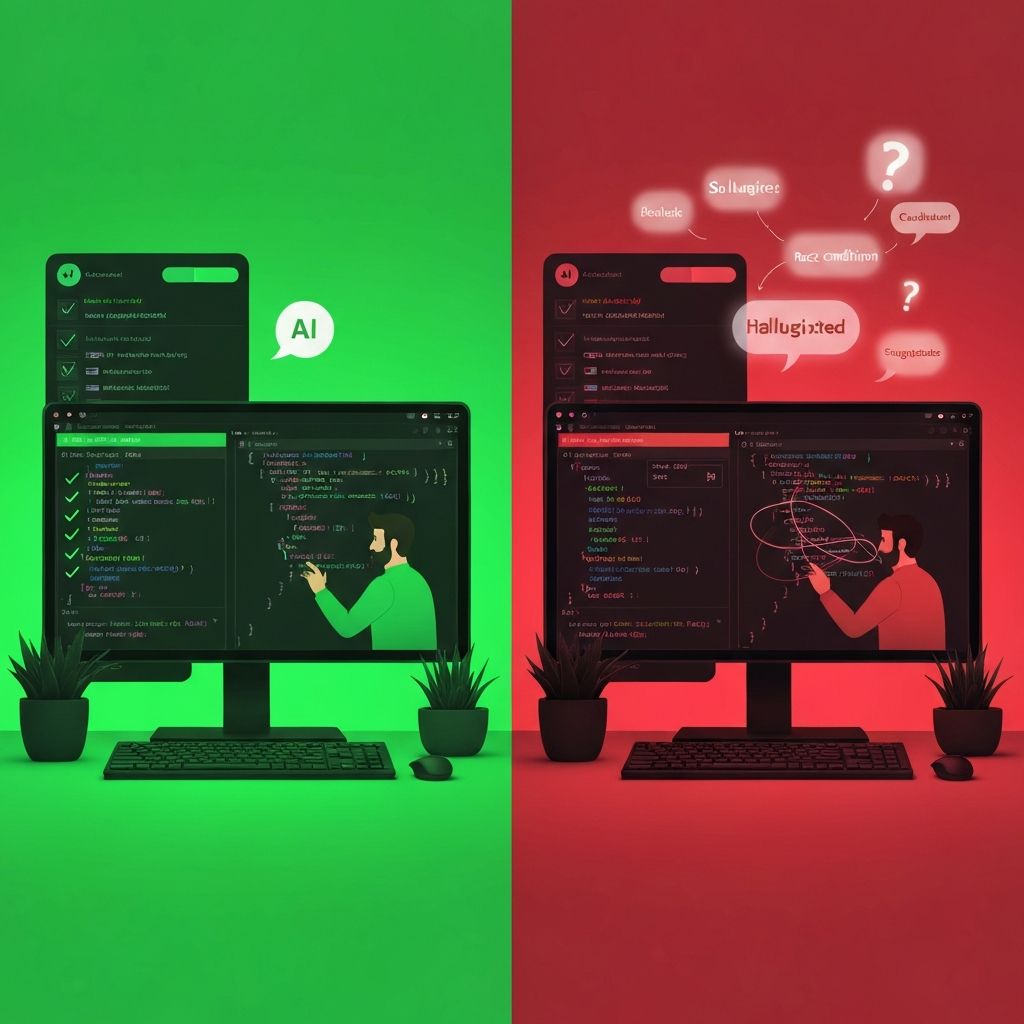
Over-trusting AI leads to codebases that look functional but are fragile.
One of my colleagues always brings up my obsession with the Pareto principle, and he is right. The real friction in our work consistently shows up in that last 20% after the "easy" 80% is done. I still believe in Pareto, but in this case, the truth is clear: the real complexity and risk lie in that final 20%.
Watch this short talk to understand how the Pareto principle works in practice and why the final 20% is where most of the real complexity lives.
The Architecture Problem
Here's something I discovered: the architecture AI generates is heavily dependent on how you prompt it. If you say "Build a Shopify app," you get one structure. If you say "Build a Shopify app with Redis caching, webhook queues, and distributed state management," you get another.
The problem? The first AI doesn't know about your future needs. You'll refactor it later, introducing more technical debt.
The solution? Be explicit about your architectural requirements. Think about scalability, state management, error handling, and monitoring before you prompt. This is where prompt engineering becomes genuinely important, not for fancy tricks, but for clarity and completeness.
Hidden Technical Debt
This is the insidious part. AI-generated code is often:
Over-engineered for simple problems
Under-engineered for complex ones
Inconsistent in style and approach
Lacking proper error handling and edge cases
You need a senior developer reviewing this code, asking: "Is this the right approach? Can we simplify this? Have we handled all edge cases?"
Prompt Engineering: The Underrated Skill
Traditional prompt engineering often focuses on clever tricks. I'm talking about something different - clear communication of intent.
When I started working with Claude Code, my prompts were vague:
"Build a checkout page."
Now they're specific:
"Build a checkout page that handles multi-currency payments, retains cart state during network failures, includes progress indication, and integrates with our existing payment gateway. Use our standard form patterns and error handling conventions."
The difference in output quality is staggering. Better prompts mean:
Better architecture alignment
Fewer surprises
Less refactoring needed
Faster integration
3. AI Usage: Junior Developers vs. Senior Developers
This is where things get interesting and a bit sobering for organizations.
The Junior Developer Problem
When junior developers use AI assistants, they often generate code they don't understand. They copy-paste solutions, they don't review deeply, and they don't question the architecture.
The result? Spaghetti code that looks functional but isn't scalable.
I've seen junior developers ask Claude to:
"Add responsive design to my cards, resize the images properly, and add a promotional banner to the campaign creation interface."
And Claude delivers. But the junior developer doesn't understand why the responsive design works that way, what the implications of image optimization are, or how the banner state interacts with the rest of the system.
They ship it. It works for 3 months. Then they try to refactor it and realize everything is interconnected in ways they don't understand.
The Senior Developer Advantage
A senior developer using the same AI tools operates differently:
Clear architecture first: Before prompting, they've already decided on the design patterns, state management, and error handling
Strategic prompting: They ask AI for specific implementations within a predetermined architecture
Deep review: They don't just check if it works, they verify it aligns with long-term goals
Strategic refactoring: They optimize for maintainability, not just functionality
There are legitimate tasks where AI struggles, and this is where experience shines:
Complex state management: AI often creates a brittle state. A senior developer designs for transitions and edge cases
System integration: When you have 5 microservices talking to each other, AI can build each piece, but misses the orchestration
Performance optimization: AI generates correct code; senior developers generate correct AND efficient code
Security architecture: AI can apply security patterns; senior developers design threat models
4. The Path Forward: AI as a Tool, Not a Solution
Here's my final perspective, after months of daily work with Claude Code:
AI code assistants have fundamentally changed software development. They're not magic, they're not replacing developers, and they're not the complete solution to anything.
What they ARE is a massive force multiplier for experienced developers. They're a reality check on estimation. They're a way to offload mechanical work so you can focus on architecture and design.
What This Means for Your Organization
If you're not using AI code assistants yet, you're falling behind. But here's the critical part: implementation matters more than the tool choice.
Organizations that succeed with AI tools:
Pair AI with experienced developers
Invest in prompt engineering and communication clarity
Maintain code review rigor
Focus on architecture before generation
Continuously refactor and improve AI-generated code
Organizations that fail:
Let junior developers run loose with AI tools
Treat AI output as final
Skip architectural planning
Don't invest in prompt engineering
Accumulate technical debt
Speed of Adoption is Your Competitive Advantage
Here's the uncomfortable truth: the organizations that adopt these practices today will have a massive advantage in 12 months. Not because they have better tools, but because they've:
Trained their teams on effective AI usage
Built processes around code review and quality
Accumulated experience and best practices
Developed expertise in their specific domain using these tools
The speed of adoption, how quickly you integrate these tools into your development practice, is more important than perfect execution initially.
Conclusion: The Future is Here
I started skeptical of AI code assistants. Today, I can't imagine developing without them. But my journey taught me something important: the tool isn't magical, the process is.
AI tools are here to stay. They're part of the future of software development. The question isn't whether to adopt them; it's how quickly you can build effective practices around them.
For my team at Aspedan, the answer was clear: embrace them thoughtfully, maintain high standards of review, and let experienced developers guide the process. The results have been remarkable.
If you're skeptical like I was, I encourage you to start small, maintain rigor, and let the results speak for themselves.
You might be surprised at what's possible.
Frequently asked questions
How much does AI really accelerate development?
AI reduces estimation variance and enables parallel work. When used correctly by experienced developers, it can reduce development time by 10x. However, this requires proper prompt engineering, code review processes, and architectural planning.
Can junior developers use AI code assistants?
Junior developers can use AI tools, but they need supervision from senior developers. Without understanding underlying architecture and patterns, they risk creating unmaintainable code that appears functional but lacks scalability.
What are the biggest mistakes when using AI for coding?
The main mistakes are: over-trusting AI output, not planning architecture beforehand, treating AI output as final without review, skipping code review rigor, and ignoring hidden technical debt accumulation.
Why is human judgment still essential with AI tools?
AI excels at implementation but struggles with root cause analysis, architectural decisions, quality assessment, complex state management, system integration, performance optimization, and security architecture design.
What is the role of prompt engineering in AI code generation?
Prompt engineering means clearly communicating architectural requirements, error handling expectations, coding standards, and edge cases to the AI. Better prompts lead to better output, fewer surprises, less refactoring, and faster integration.